
Choose what’s happening
Pick from more than 60 built-in activities or add your own photo and wording.
Buy once · No subscription · Family Sharing
A visual schedule app for iPhone and iPad that turns the part of the day that is hardest to explain into something a child can see. Build Now and Next or First/Then boards, Choice Cards and routines in seconds.
One-time purchase for the full app. No subscription. Family Sharing for up to six family members.
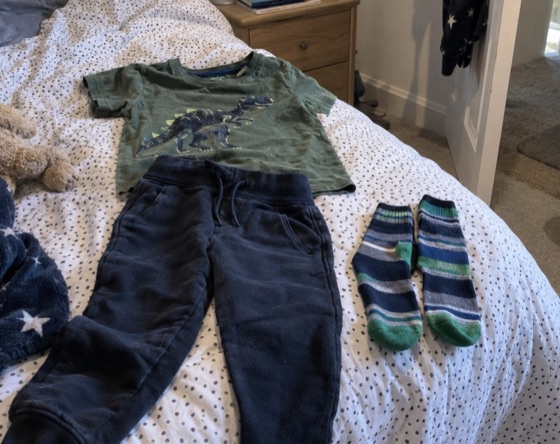 Get Dressed
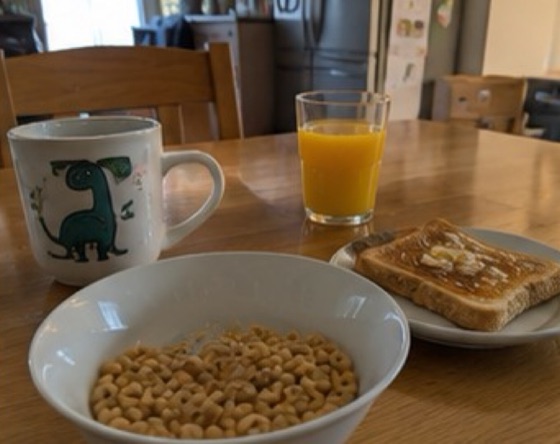 Breakfast
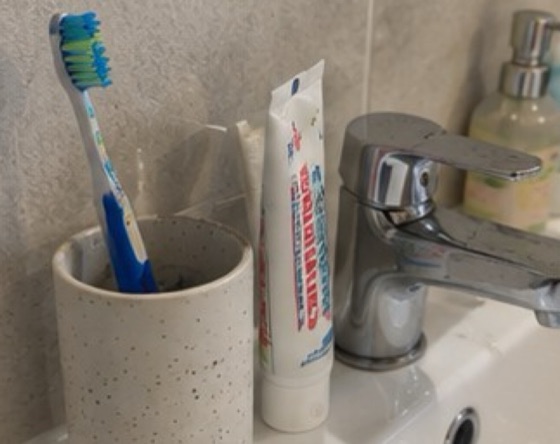 Brush Teeth
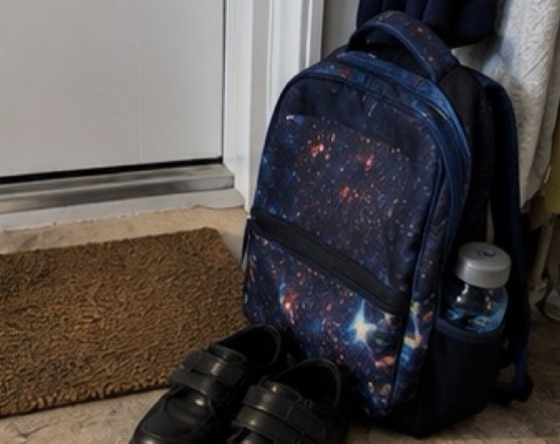 School
One idea. Lots of uses.
Visual structure can make routines, transitions and choices easier to understand — without turning the day into a complicated planning exercise.
Pick from more than 60 built-in activities or add your own photo and wording.
Put two activities together so the current moment and the transition are clear.
Add cards to the Time Line for mornings, after school, bedtime or a whole school day.
Mini demo
Pick two activities. The real app gives you built-in illustrations, your own photos, spoken activities, custom wording and much more.


More than a First/Then board
Now & Next Cards
Show two activities in sequence: what happens now and what comes next. Change “Now” and “Next” to the words your family, classroom or setting already uses.
Get DressedBreakfastChoice Cards
A Choice Card shows two or three activities so a child can choose one by pointing instead of relying only on words. Use it as a visual choice board to decide which activity to do. Tap an answer to highlight the chosen activity.
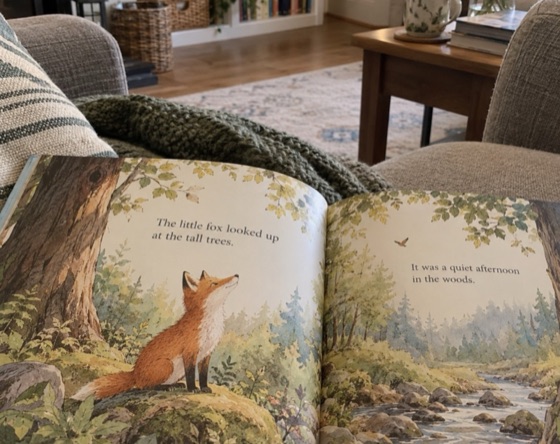 Read a Book
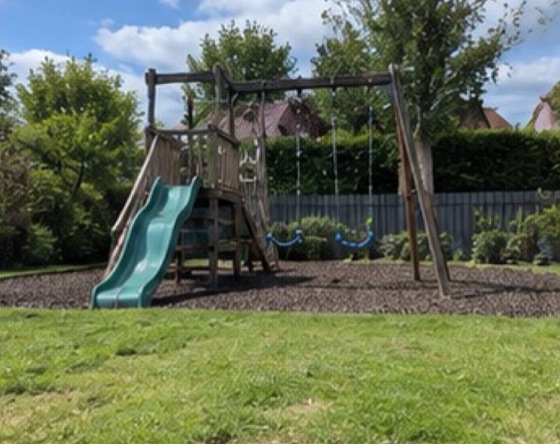 Play Outside
Time Line
Turn cards into a visual timetable for a morning, the hour after school or a whole school day. Set how long each card shows and the Time Line moves through the routine automatically, with an optional sound as it changes.
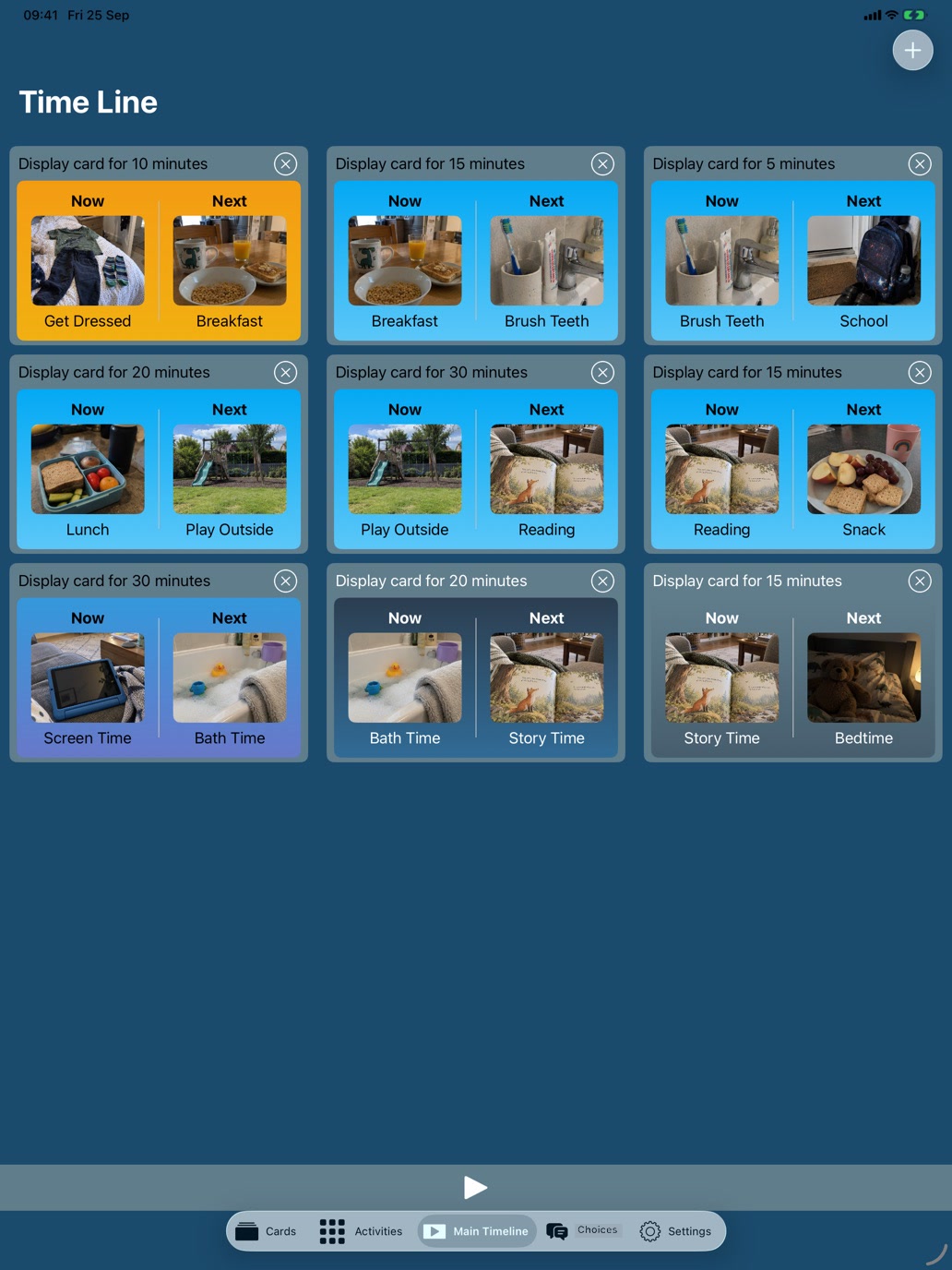
Activities
Start with over 60 built-in activities, then add your own photos and organise them around the way your day actually works.
BreakfastBrush teeth School
 Story
Story Play time
 Bedtime
Personalisation
Choose card colours, add familiar pictures and use the words that work for your family or classroom.
Get DressedBreakfastSpeech
Tap an activity to hear it read aloud. Choose the voice that makes spoken support feel familiar.
BreakfastBrush TeethAt home, school or therapy
Now and Next was built by parents and is used with children who benefit from seeing what is happening rather than only hearing it explained.
SchoolPlay timeBedtimeOne purchase. No subscription.
Buy the full app once and share it with up to six family members through Apple Family Sharing. Or use Lite free with no adverts, then unlock more cards, activities and backup with an optional one-time in-app purchase. Neither option has a subscription.
Use Lite free for as long as you like. Upgrade inside Lite whenever you need more.
Buy once.No subscription.
All features. No subscription.
No adverts in Lite from version 1.14. If you use an older version, update first. Lite uses RevenueCat to check purchases; Apple handles payments. Read the Lite privacy policy.
Speaks your language
The app follows the device language for its interface and built-in activities. Anything you type yourself stays exactly as you wrote it.
Full version privacy
The full version needs no account or sign-in. Photos, activities and cards are kept on your device, and backups go only where you choose to send them.
Questions
A little more about how the app works, buying once and sharing it with your family.
Yes. “Now and Next” and “First/Then” describe the same basic visual-support idea. You can also change the labels in the app to the wording you already use.
It was built by parents and is used at home, in nurseries, in classrooms and in therapy sessions — with autistic children, children who have ADHD, children whose speech and language is still developing, and any young child whose day goes better when they can see it laid out.
Yes. Put cards in order on the Time Line to show a whole routine, such as a morning or a school day. Each card shows for as long as you choose, then the next one appears. Our guide to visual schedules explains when to use a two-step board and when to use a longer timetable.
Now & Next Cards show the sequence of activities: what happens now and what comes next. Choice Cards show two or three activities and let the person choose one. For example, choose either reading a book or playing outside, rather than doing both in order. See the Choice Cards example or read about visual choice boards in our guide.
Yes. Add your own activities using photos from your device or images you create on supported devices, then name and organise them to match your day.
No. The full version has no account or sign-in. Your created content stays on your device.
No. The paid Now and Next app is a one-time purchase, with no subscription and no further features to unlock. You can also try Lite free and make a one-time in-app purchase to unlock its full functionality.
Yes. The paid Now and Next app supports Apple Family Sharing, so up to six family members can use it with Family Sharing enabled. Buy it once for your family’s iPhones and iPads.
Lite 1.14 onwards is free to use with no adverts. It includes the built-in activities, Time Line and spoken activities, with two Now and Next cards, one Choice Card and three custom activities. One optional purchase unlocks unlimited cards, Choice Cards and custom activities, plus backup and restore. You keep using the same Lite app and your existing content. Older versions may still show adverts until you update.
One-time purchase · No subscription · Family Sharing
One payment for the full app. Share with up to six family members.